

WooCommerce Bulk Product Editor
Updated on: January 9, 2026
Version 3.0
Single Purchase
Buy this product once and own it forever.
Membership
Unlock everything on the site for one low price.
Product Overview
Managing a large inventory can be a daunting task, but the WooCommerce Bulk Product Editor makes it a breeze. This powerful plugin allows you to edit multiple products at once, saving you time and reducing the risk of errors. Whether you need to update prices, change stock levels, or modify descriptions, you can do it all in one intuitive interface. Plus, with its user-friendly design, even those new to WordPress can navigate it with ease. Say goodbye to tedious manual updates and hello to streamlined efficiency!
Key Features
- Edit multiple products simultaneously to save time and effort.
- Update prices, stock status, and descriptions in bulk.
- Intuitive interface that makes product management simple.
- Filter products by categories or tags for targeted editing.
- Supports variable products for comprehensive inventory management.
- Undo changes easily with a built-in history feature.
- Export and import product data for seamless transitions.
- Compatible with other WooCommerce extensions for enhanced functionality.
Installation & Usage Guide
What You'll Need
- After downloading from our website, first unzip the file. Inside, you may find extra items like templates or documentation. Make sure to use the correct plugin/theme file when installing.
Unzip the Plugin File
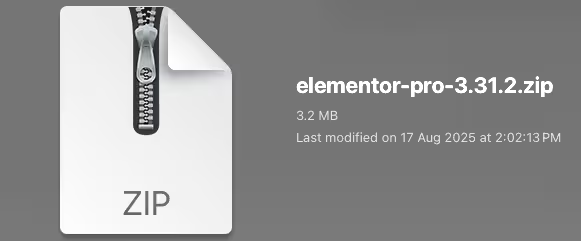
Find the plugin's .zip file on your computer. Right-click and extract its contents to a new folder.
Upload the Plugin Folder
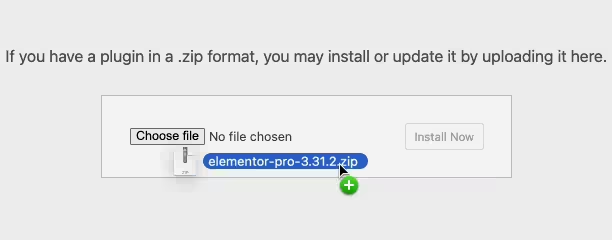
Navigate to the wp-content/plugins folder on your website's side. Then, drag and drop the unzipped plugin folder from your computer into this directory.
Activate the Plugin
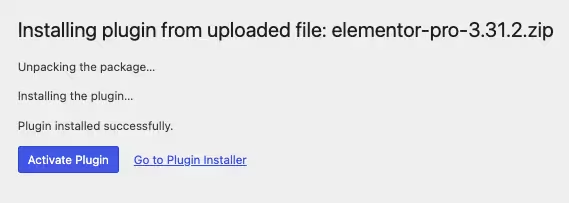
Finally, log in to your WordPress dashboard. Go to the Plugins menu. You should see your new plugin listed. Click Activate to finish the installation.
PureGPL ensures you have all the tools and support you need for seamless installations and updates!
For any installation or technical-related queries, Please contact via Live Chat or Support Ticket.