

Userswp | MailerLite
Updated on: January 24, 2026
Version 1.0.4

Single Purchase
Buy this product once and own it forever.
Membership
Unlock everything on the site for one low price.
Product Overview
UsersWP | MailerLite is a powerful integration that seamlessly connects your UsersWP platform with MailerLite, enhancing your email marketing capabilities. With this integration, you can effortlessly manage your subscribers, automate your email campaigns, and boost user engagement. It's designed for those who want to streamline their workflow and keep their audience informed with minimal effort. Plus, the intuitive interface ensures that even beginners can navigate the setup with ease. On top of that, this integration helps you grow your mailing list by automatically syncing new users, allowing for targeted communication that drives results.
Key Features
- Seamless integration between UsersWP and MailerLite for easy user management.
- Automatic syncing of new user registrations to your MailerLite account.
- Customizable email campaigns to engage your audience effectively.
- User-friendly setup process that requires no technical expertise.
- Advanced segmentation options to target specific user groups.
- Comprehensive analytics to track email performance and optimize campaigns.
- Responsive support to assist you with any questions or issues.
- Compatible with existing UsersWP features for a cohesive experience.
Installation & Usage Guide
What You'll Need
- After downloading from our website, first unzip the file. Inside, you may find extra items like templates or documentation. Make sure to use the correct plugin/theme file when installing.
Unzip the Plugin File
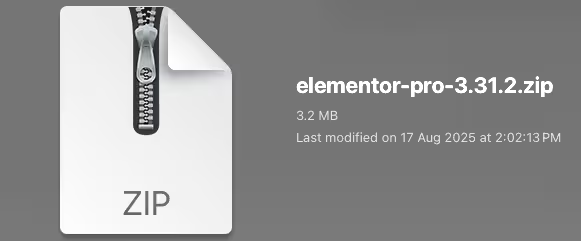
Find the plugin's .zip file on your computer. Right-click and extract its contents to a new folder.
Upload the Plugin Folder
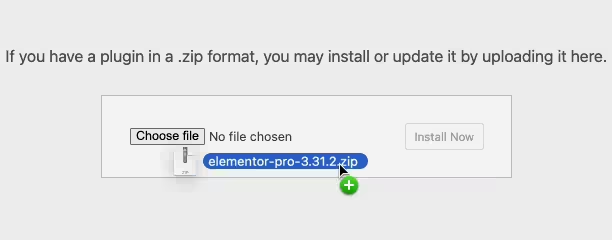
Navigate to the wp-content/plugins folder on your website's side. Then, drag and drop the unzipped plugin folder from your computer into this directory.
Activate the Plugin
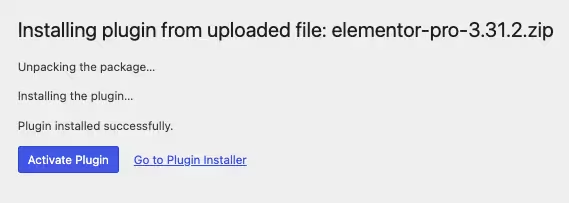
Finally, log in to your WordPress dashboard. Go to the Plugins menu. You should see your new plugin listed. Click Activate to finish the installation.
PureGPL ensures you have all the tools and support you need for seamless installations and updates!
For any installation or technical-related queries, Please contact via Live Chat or Support Ticket.