

Formidable forms | n8n integration
Updated on: December 16, 2025
Version 0.1.0
Single Purchase
Buy this product once and own it forever.
Membership
Unlock everything on the site for one low price.
Product Overview
Enhance your workflow with the Formidable Forms and n8n integration. This powerful combination allows you to automate your form submissions effortlessly, connecting your data to various apps and services. Whether you're gathering leads, feedback, or any other information, this integration streamlines the process, saving you valuable time. You'll appreciate the ease of setting up automated workflows without needing extensive coding knowledge. Plus, with n8n's versatility, you can customize your automation to suit your unique business needs.
Key Features
- Seamless integration with n8n for automated workflows.
- Easy setup process, no coding skills required.
- Connects Formidable Forms to multiple apps and services.
- Customizable workflows tailored to your specific needs.
- Real-time data processing for instant updates.
- Enhances efficiency by reducing manual data entry.
- Supports a variety of triggers and actions for flexibility.
Installation & Usage Guide
What You'll Need
- After downloading from our website, first unzip the file. Inside, you may find extra items like templates or documentation. Make sure to use the correct plugin/theme file when installing.
Unzip the Plugin File
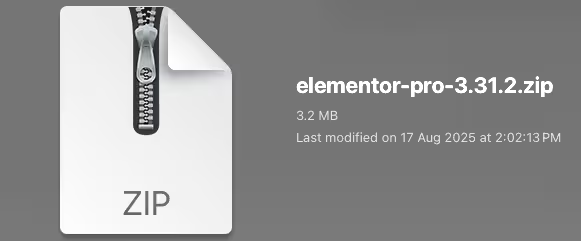
Find the plugin's .zip file on your computer. Right-click and extract its contents to a new folder.
Upload the Plugin Folder
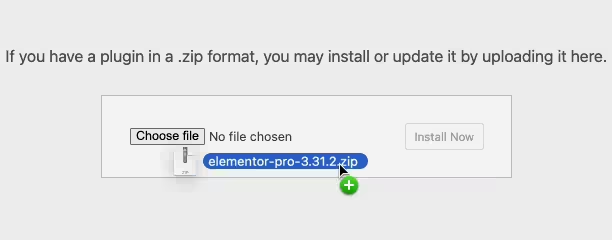
Navigate to the wp-content/plugins folder on your website's side. Then, drag and drop the unzipped plugin folder from your computer into this directory.
Activate the Plugin
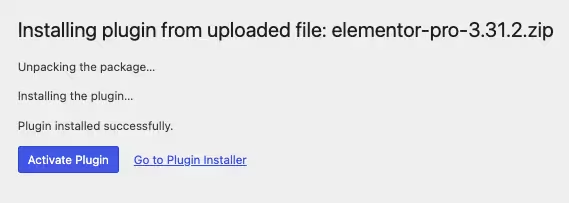
Finally, log in to your WordPress dashboard. Go to the Plugins menu. You should see your new plugin listed. Click Activate to finish the installation.
PureGPL ensures you have all the tools and support you need for seamless installations and updates!
For any installation or technical-related queries, Please contact via Live Chat or Support Ticket.