
Activizm – Social Activism & NGO Gutenverse FSE WordPress Theme
Updated on: January 1, 2026
Version 1.0.0
Single Purchase
Buy this product once and own it forever.
Membership
Unlock everything on the site for one low price.
Product Overview
Activizm is a beautifully crafted WordPress theme designed specifically for social activism, NGOs, and non-profit organizations. With its modern design and user-friendly interface, it allows you to create a powerful online presence that resonates with your mission. The theme comes packed with features that help you showcase your projects, raise awareness, and engage your community effectively. Plus, Activizm is built on the Gutenverse framework, ensuring seamless compatibility with the latest WordPress updates. Whether you’re launching a campaign or sharing your initiatives, this theme gives you the tools to make a lasting impact.
Key Features
- Responsive design for optimal viewing on all devices.
- Customizable homepage layouts to fit your unique vision.
- Integrated donation system to support your fundraising efforts.
- Event management features to promote upcoming activities.
- Blog section to share updates and stories from your organization.
- Social media integration to connect with your audience easily.
- SEO-friendly structure to help you reach a wider audience.
- Easy-to-use theme options panel for quick adjustments.
- Comprehensive documentation for hassle-free setup and customization.
Installation & Usage Guide
What You'll Need
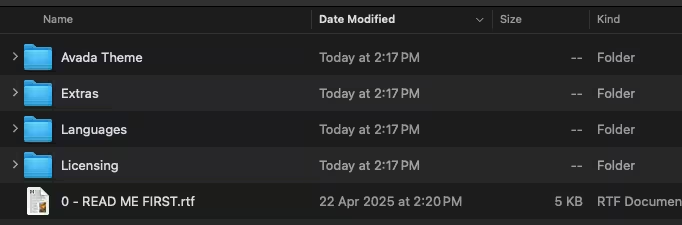
- After downloading from our website, first unzip the file. Inside, you may find extra items like templates or documentation. Make sure to use the correct plugin/theme file when installing.
Unzip the Theme File
Find the theme's .zip file on your computer. Right-click and extract its contents to a new folder.
Upload the Theme Folder
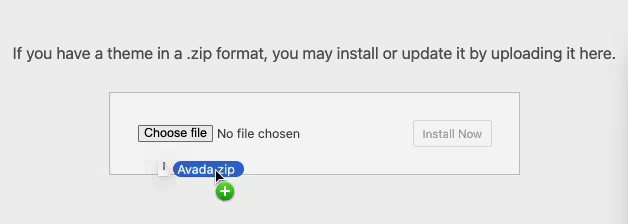
Navigate to the wp-content/themes folder on your website's side. Then, drag and drop the unzipped theme folder from your computer into this directory.
Activate the Theme
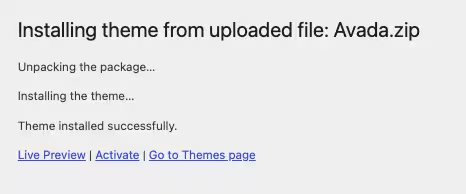
Finally, log in to your WordPress dashboard. Go to the Themes menu. You should see your new theme listed. Click Activate to finish the installation.
PureGPL ensures you have all the tools and support you need for seamless installations and updates!
For any installation or technical-related queries, Please contact via Live Chat or Support Ticket.
Envato Elements Item Activation
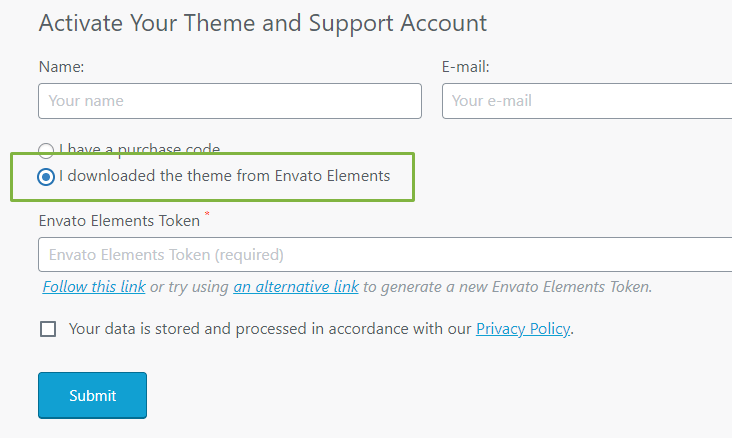
Eligible items must integrate with Envato Elements' REST API (something similar to the image below). This will give you access to all available Premium features, such as automatic updates, plugin installation, demo content import, Elementor kits, and royalty-free stock photos.