

Ultrapack Auto Updater
Updated on: February 18, 2026
Version 1.0.0-beta.10
Single Purchase
Buy this product once and own it forever.
Membership
Unlock everything on the site for one low price.
Product Overview
Keep your WordPress site running smoothly with Ultrapack Auto Updater. This powerful plugin automates the update process for your themes, plugins, and WordPress core, ensuring that you always have the latest features and security patches without lifting a finger. Imagine the peace of mind knowing that your site is always up-to-date and secure. Plus, with its user-friendly interface, you can easily customize update settings to fit your specific needs. What makes it stand out is its ability to perform automatic backups before updates, so your site remains safe and sound. Experience hassle-free maintenance and focus on what truly matters—growing your online presence.
Key Features
- Automated updates for themes, plugins, and WordPress core.
- User-friendly interface for easy configuration.
- Automatic backups before every update to ensure safety.
- Customizable update schedules to fit your workflow.
- Notifications for major updates, keeping you informed.
- Compatibility with a wide range of themes and plugins.
- Comprehensive support and documentation available.
Installation & Usage Guide
What You'll Need
- After downloading from our website, first unzip the file. Inside, you may find extra items like templates or documentation. Make sure to use the correct plugin/theme file when installing.
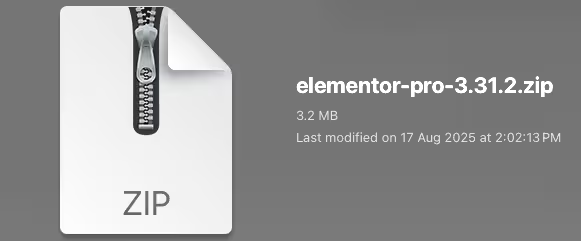
Unzip the Plugin File
Find the plugin's .zip file on your computer. Right-click and extract its contents to a new folder.
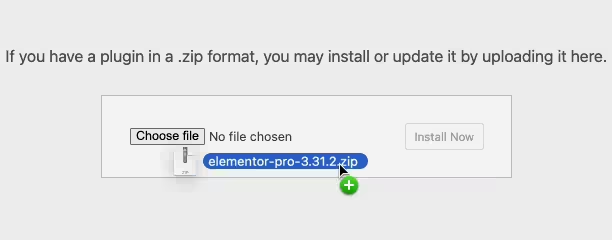
Upload the Plugin Folder
Navigate to the wp-content/plugins folder on your website's side. Then, drag and drop the unzipped plugin folder from your computer into this directory.
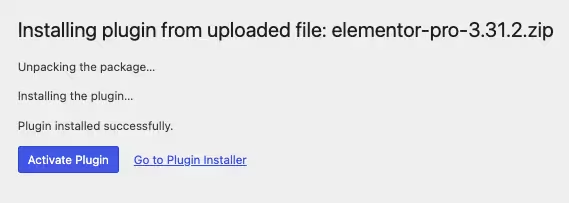
Activate the Plugin
Finally, log in to your WordPress dashboard. Go to the Plugins menu. You should see your new plugin listed. Click Activate to finish the installation.
PureGPL ensures you have all the tools and support you need for seamless installations and updates!
For any installation or technical-related queries, Please contact via Live Chat or Support Ticket.