

NEX-Forms Conditional Content Blocks
Updated on: January 7, 2026
Version 7.6
Single Purchase
Buy this product once and own it forever.
Membership
Unlock everything on the site for one low price.
Product Overview
Transform the way you collect data with NEX-Forms Conditional Content Blocks. This innovative WordPress plugin allows you to create dynamic forms that adapt based on user inputs. Imagine offering a personalized experience where fields appear or disappear based on previous selections. It's not just about collecting information; it's about engagement and interaction. Plus, with an intuitive drag-and-drop interface, building these forms is a breeze, even for those without coding experience. Say goodbye to static forms and hello to a more interactive approach that keeps users interested and informed.
Key Features
- Create dynamic forms that respond to user input in real-time.
- Easy drag-and-drop builder for hassle-free form customization.
- Conditional logic to show or hide fields based on selections.
- Mobile-responsive design ensures optimal performance on any device.
- Customizable templates to fit your branding and style.
- Seamless integration with popular email marketing services.
- Robust analytics to track form submissions and user interactions.
- Built-in spam protection to keep your data secure.
Installation & Usage Guide
What You'll Need
- After downloading from our website, first unzip the file. Inside, you may find extra items like templates or documentation. Make sure to use the correct plugin/theme file when installing.
Unzip the Plugin File
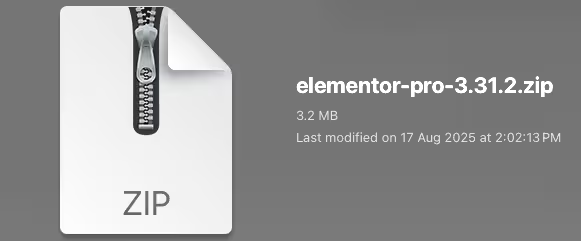
Find the plugin's .zip file on your computer. Right-click and extract its contents to a new folder.
Upload the Plugin Folder
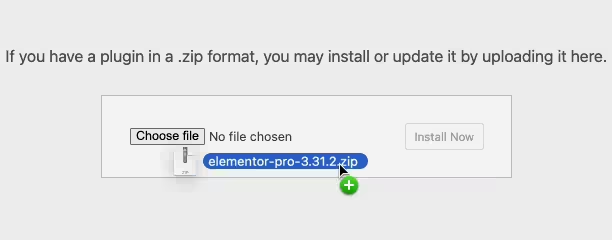
Navigate to the wp-content/plugins folder on your website's side. Then, drag and drop the unzipped plugin folder from your computer into this directory.
Activate the Plugin
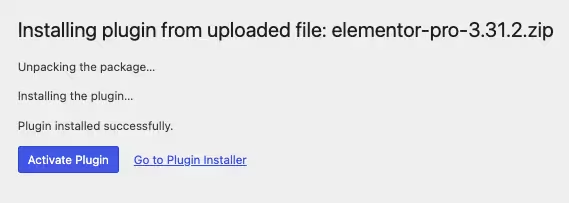
Finally, log in to your WordPress dashboard. Go to the Plugins menu. You should see your new plugin listed. Click Activate to finish the installation.
PureGPL ensures you have all the tools and support you need for seamless installations and updates!
For any installation or technical-related queries, Please contact via Live Chat or Support Ticket.