

DiviNext | Hotspot
Updated on: December 1, 2025
Version 1.7
Single Purchase
Buy this product once and own it forever.
Membership
Unlock everything on the site for one low price.
Product Overview
DiviNext | Hotspot is an innovative WordPress plugin designed to enhance your website's interactivity and user engagement. With its intuitive hotspot creation feature, you can easily add interactive elements to images, allowing visitors to explore content in a dynamic way. Imagine showcasing products, services, or locations with clickable hotspots that reveal additional information, images, or links. Plus, the user-friendly interface ensures that even those with minimal technical skills can create stunning hotspots in just minutes. This plugin not only elevates your design but also helps in delivering a more immersive experience for your audience.
Key Features
- Create interactive hotspots on any image effortlessly.
- Customizable tooltip design for personalized user experience.
- Responsive layout ensures hotspots look great on all devices.
- Supports various content types, including images, text, and links.
- Easy-to-use drag-and-drop interface for quick setup.
- Integrates seamlessly with the Divi Builder for a cohesive design.
- Multiple hotspot styles to match your site's aesthetic.
- Advanced styling options for precise customization.
Installation & Usage Guide
What You'll Need
- After downloading from our website, first unzip the file. Inside, you may find extra items like templates or documentation. Make sure to use the correct plugin/theme file when installing.
Unzip the Plugin File
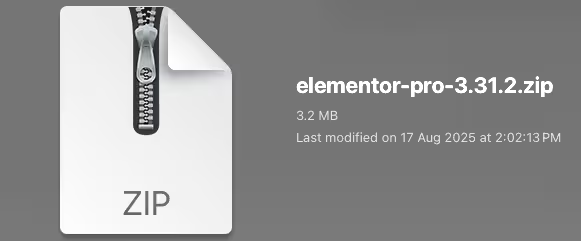
Find the plugin's .zip file on your computer. Right-click and extract its contents to a new folder.
Upload the Plugin Folder
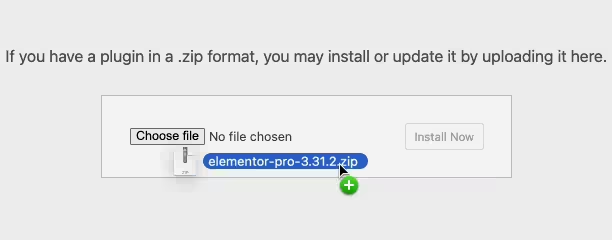
Navigate to the wp-content/plugins folder on your website's side. Then, drag and drop the unzipped plugin folder from your computer into this directory.
Activate the Plugin
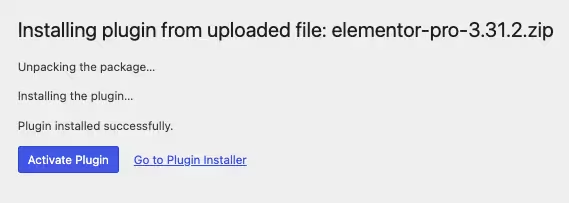
Finally, log in to your WordPress dashboard. Go to the Plugins menu. You should see your new plugin listed. Click Activate to finish the installation.
PureGPL ensures you have all the tools and support you need for seamless installations and updates!
For any installation or technical-related queries, Please contact via Live Chat or Support Ticket.