

Aimogen Pro (Ex AIomatic) – Automatic AI Content Writer & Editor, ChatBot & AI Toolkit
Updated on: February 12, 2026
Version 2.7.0
Single Purchase
Buy this product once and own it forever.
Membership
Unlock everything on the site for one low price.
Product Overview
Aimogen Pro is your all-in-one AI-powered content creation suite that elevates your writing game to new heights. Designed to streamline your content generation, this innovative tool can craft engaging articles, blog posts, and marketing materials with ease. But it doesn’t stop there; Aimogen Pro also includes a sophisticated chatbot feature, making it perfect for enhancing customer interactions. What makes it stand out is its intuitive interface that caters to both beginners and seasoned writers alike. Plus, the integrated AI toolkit provides you with the flexibility to edit and refine your content effortlessly.
Key Features
- Automatic content generation for articles, blogs, and marketing copy.
- Advanced chatbot functionality for improved customer engagement.
- User-friendly interface that simplifies the writing process.
- Editing tools that enhance and polish your text with AI suggestions.
- Customizable templates to suit various writing styles and formats.
- Multi-language support, making it accessible for global audiences.
- Real-time collaboration features for team projects and feedback.
- Regular updates with new AI capabilities to keep your content fresh.
Installation & Usage Guide
What You'll Need
- After downloading from our website, first unzip the file. Inside, you may find extra items like templates or documentation. Make sure to use the correct plugin/theme file when installing.
Unzip the Plugin File
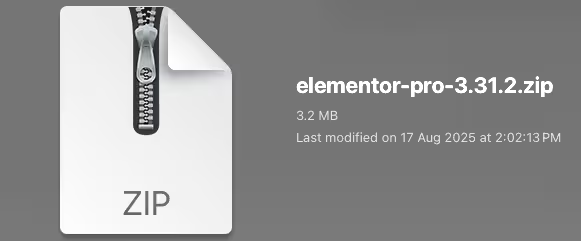
Find the plugin's .zip file on your computer. Right-click and extract its contents to a new folder.
Upload the Plugin Folder
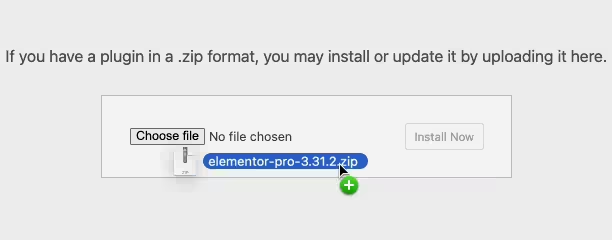
Navigate to the wp-content/plugins folder on your website's side. Then, drag and drop the unzipped plugin folder from your computer into this directory.
Activate the Plugin
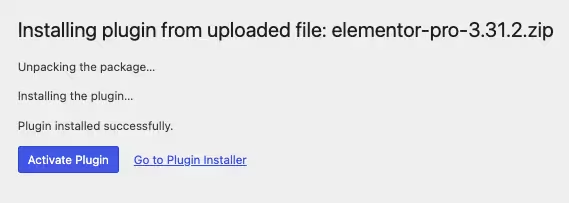
Finally, log in to your WordPress dashboard. Go to the Plugins menu. You should see your new plugin listed. Click Activate to finish the installation.
PureGPL ensures you have all the tools and support you need for seamless installations and updates!
For any installation or technical-related queries, Please contact via Live Chat or Support Ticket.